The empty home, furnished inside the tour
Choose a 360 photo from the tour and a style: in about a minute and a half visitors see it furnished, with the real walls, windows and light.
Drag to look around, then choose a styleDrag and compare
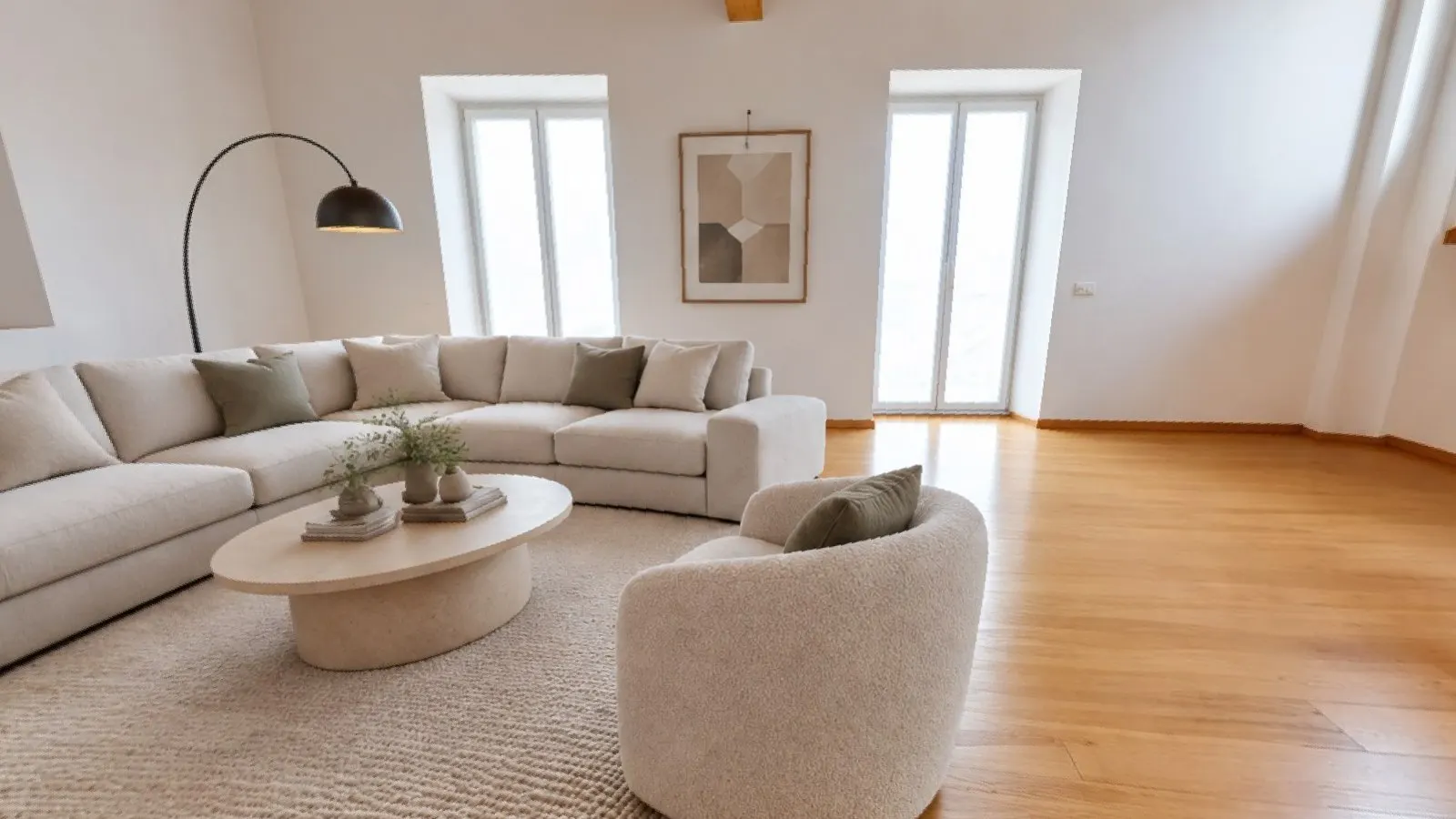
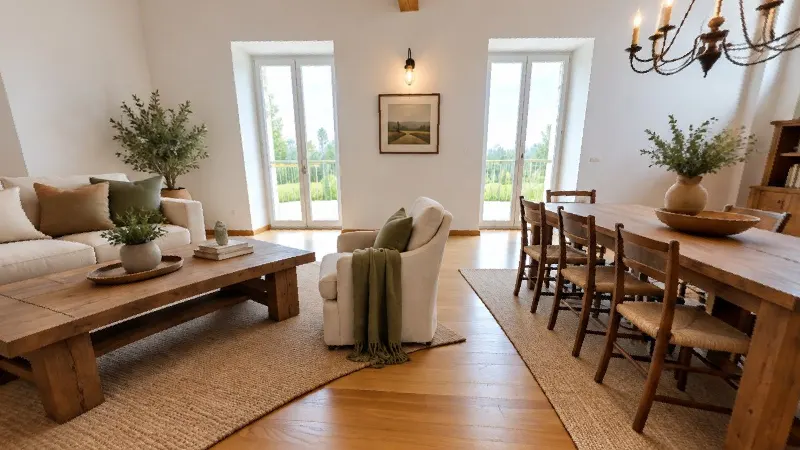
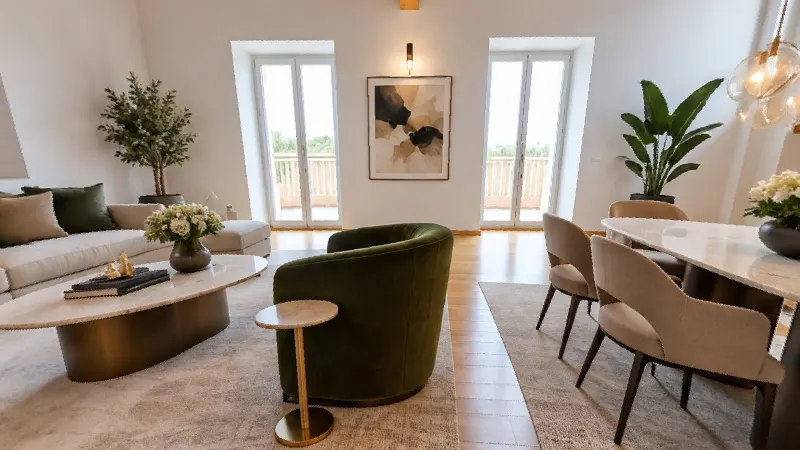
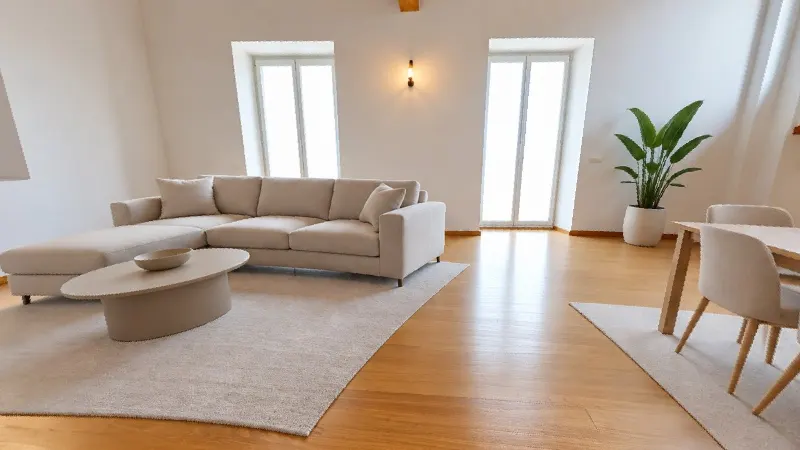
On the left the photo as it is today, on the right the same spot furnished by the AI. Same room, same light, same windows.
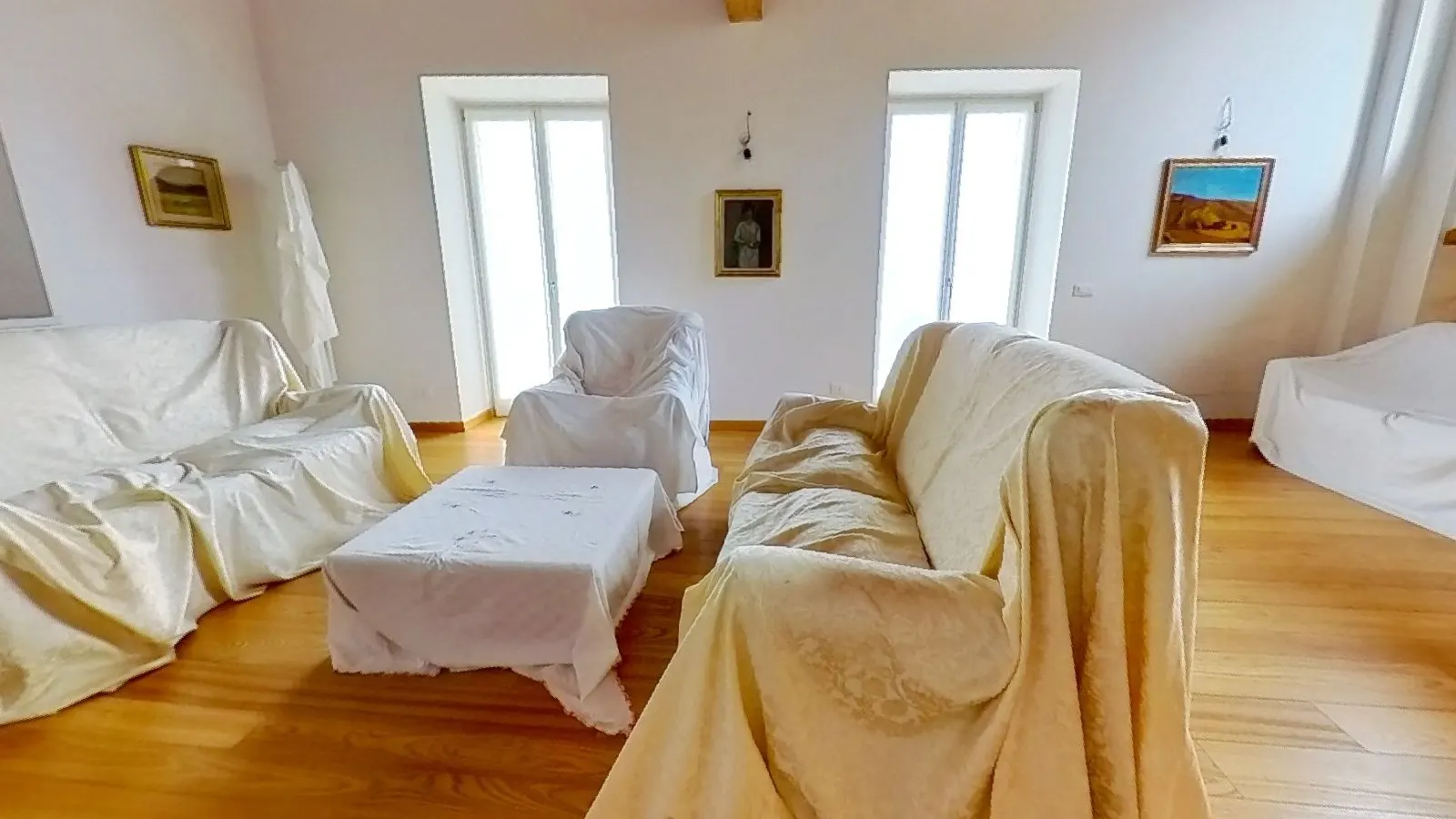
 As it is today
Modern · AI
As it is today
Modern · AI
Not an invented photo: the real room, furnished
Walls, windows and light stay real
The AI works on the 360 photo taken by Matterport: beams, floor, windows, radiators and the built-in kitchen stay those of the home.
Furniture the right size
Matterport measures every room and the AI receives the real dimensions: a 7 m² kitchen doesn't end up with a table for six. Doors and walkways stay clear.
Every room with its own furniture
The kitchen is furnished as a kitchen, the bedroom as a bedroom: the room type comes from the tour's mapping, and if a point sits on a threshold you correct it with a click.
In the tour a label always points out that the furniture is suggested by the AI and isn't in the home.
From the tour's page, in three steps
-
1 · Choose the photos
You see all the tour's scan points, each with its room. Select the ones to furnish, even all of them at once.
-
2 · Choose the style
9 styles, from modern to rustic. Before you start you see how many photos there are and how many credits you need.
-
3 · It's in the tour
In about a minute and a half per photo. At the furnished point the bar appears: "As it is today" and the ready styles, on phones too.
The tour assistant takes you to the furnished room
Visitors ask in chat or by voice. The assistant knows which rooms have furniture, takes them to the right spot and opens the style, or offers the ready ones with a tap.
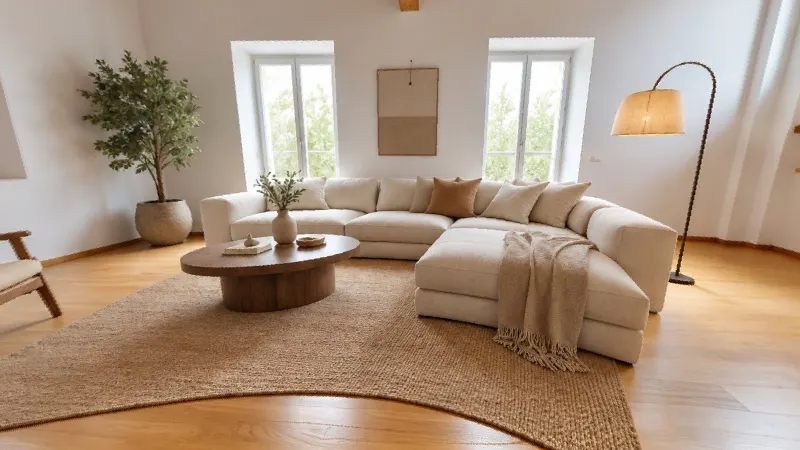
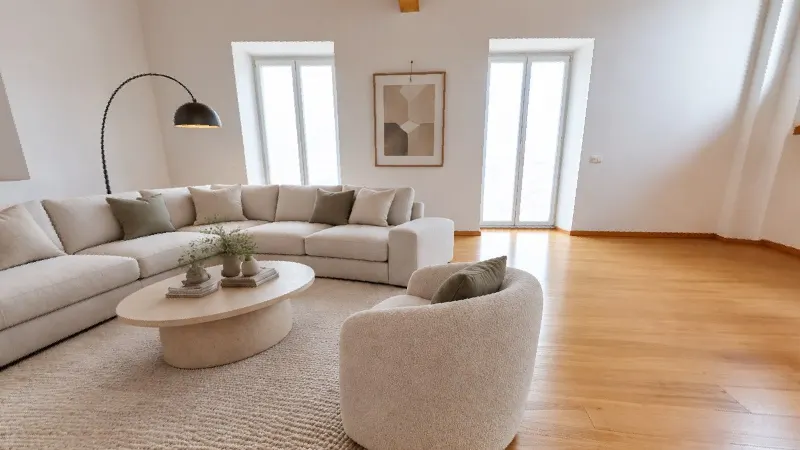
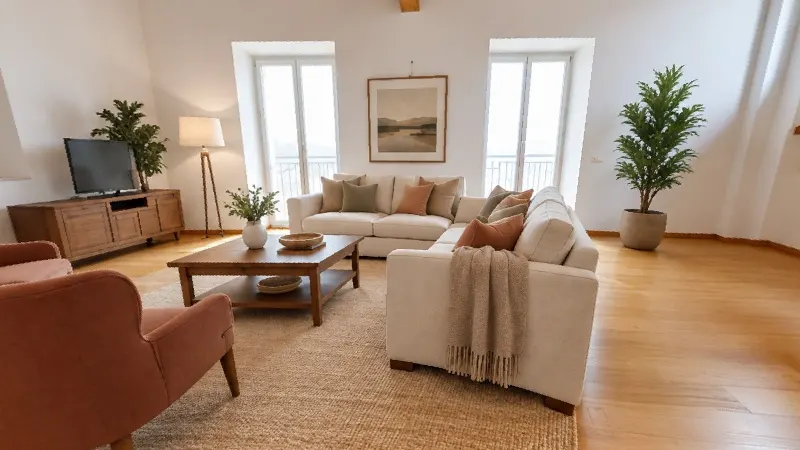
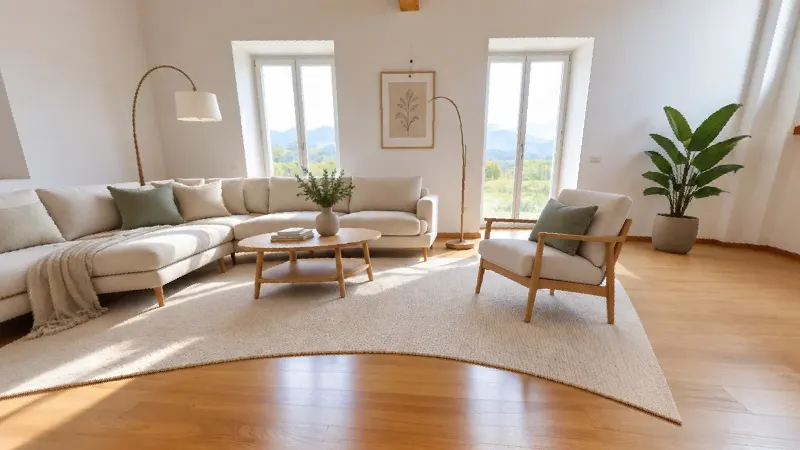
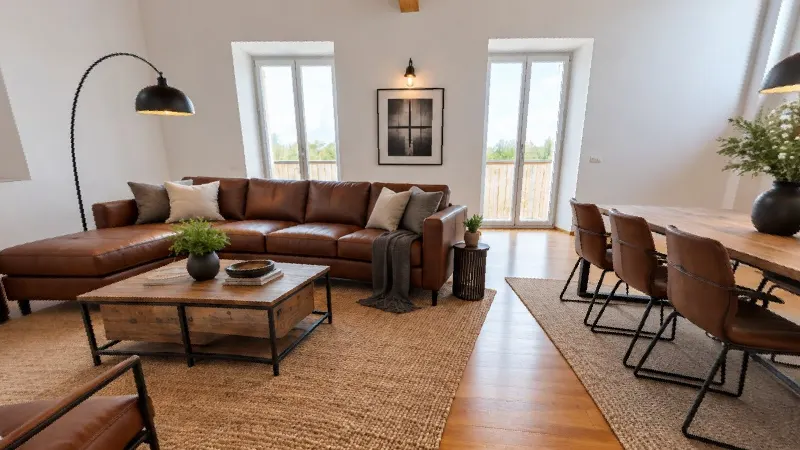
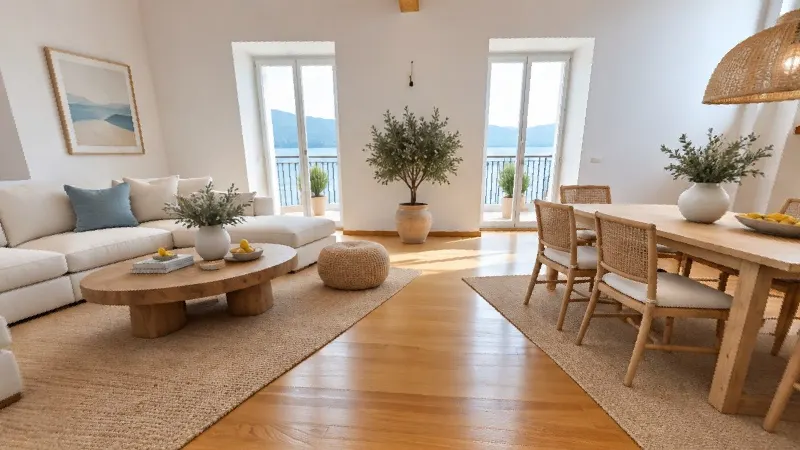
9 styles
For the seaside house as well as the city-centre penthouse. Every style works on every photo, and you can keep several styles on the same point.
Pricing
From 0,30 € per photo with the best-value pack, 0,49 € with the smallest. Excl. VAT. Credits are only deducted when a photo succeeds.
Create your accountIn the configurator choose how many photos to furnish, together with turnkey scanning from 2,00 €/m². Excl. VAT.
Request a quoteFor real estate agencies and developers, on Matterport tours. A photo that doesn't convince gets redone.
Frequently asked questions
Does the home need to be empty?
No. Matterport removes the furniture from the 360 photo by itself (the emptied view) and the AI furnishes that. The home can be lived in, furnished or full of boxes.
Does the furniture look real?
Yes, but in the tour a label always points out that the furniture is suggested by the AI and isn't in the home. Visitors switch from "As it is today" to the style with a tap.
Is the furniture the right size?
The AI receives the room's real measurements from Matterport and the room type from the tour: a 7 m² kitchen doesn't get a table for six, and doors, windows and walkways stay clear.
How long does it take?
About a minute and a half per photo. You can start several at once and close the page: when they're ready they appear in the tour, at the spot where they were taken.
How much does it cost?
5 credits per photo, i.e. from 0,30 € + VAT with the best-value pack. Credits are only deducted when a photo succeeds.
Can I furnish the whole home?
Yes, one 360 photo at a time: every scan point has its own. Each photo is generated on its own, so two points in the same room will have different furniture: it's best to furnish the best point in each room.
Which tours does it work with?
With Matterport tours, because it needs the emptied photo that Matterport produces. It's for real estate agencies and developers.
Furnish your first tour
Already have a Matterport tour? In a few minutes the home is furnished, inside the tour.